
ANDROID OS

By SS Gayatree Devi Uncategorized
Wishlist Share

About Course

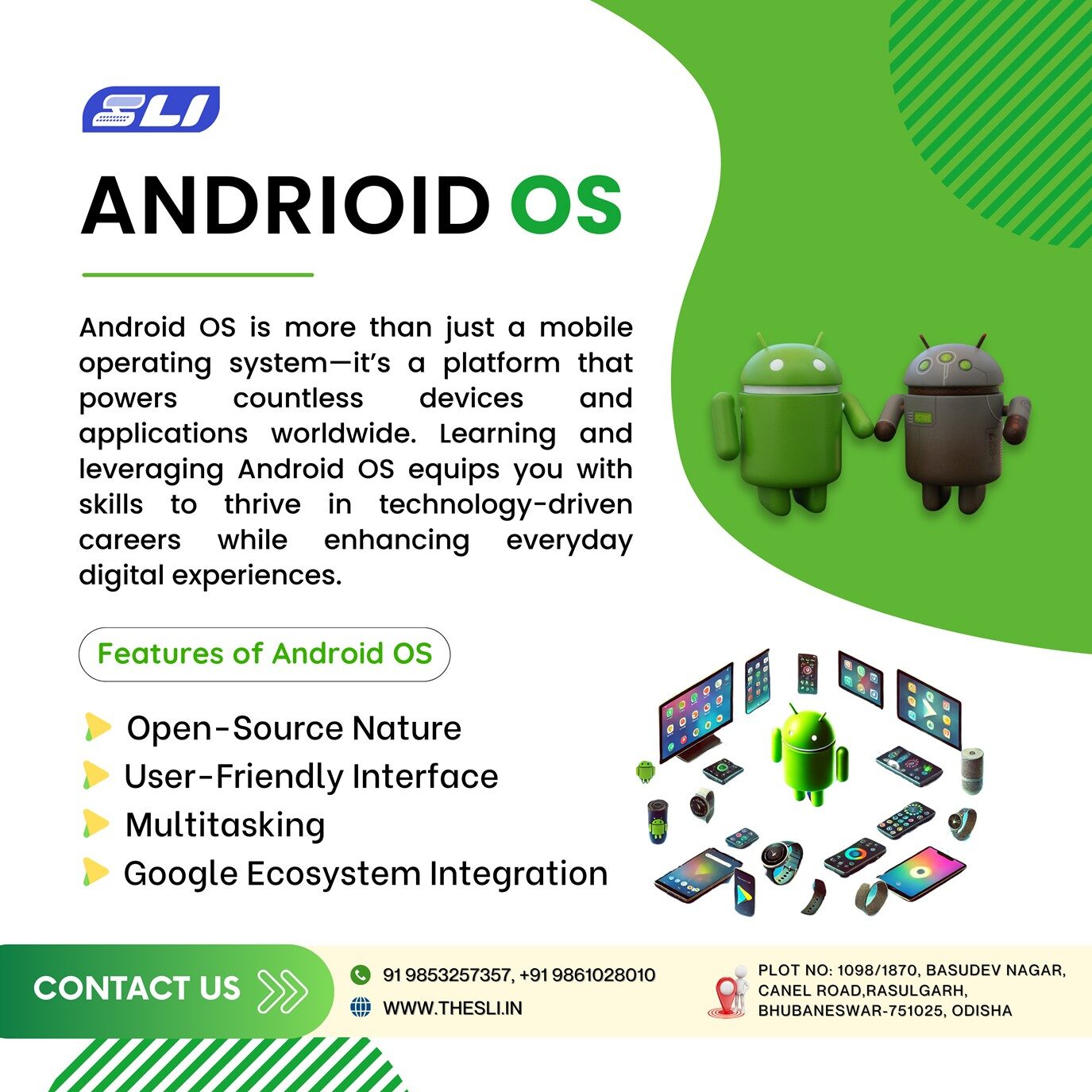
Google developed Android OS. It is a mobile operating system based on the Linux kernel. It is primarily designed for touchscreen mobile devices. Like smartphones and tablets, but it has also been adapted for use in other devices such as smart TVs, smartwatches, and automotive systems.

Android OS

What Will You Learn?

  • In an Android OS course, you can expect to learn a wide range of topics that will equip you with the knowledge and skills to navigate and utilize the Android operating system effectively.

Course Content

What is Android
Android OS is a mobile operating system developed by Google. It is based on the Linux kernel and is primarily designed for touchscreen mobile devices such as smartphones and tablets.

Downloading And Installing Eclipse
Selecting a development environment, Downloading Eclipse, Installing and configuring Eclipse

Downloading and installing the Android SDK
Downloading the Android SDK Using the Update feature of Eclipse Downloading, installing, and configuring the Android plugin for Eclipse, Checking the PATH statement

Exploring the Android SDK
Using the Android SDK documentation, Using the Android SDK tools, Using the sample applications, Learning the life cycle of an Android application

Application:  Hello World!
Creating new Android projects, Working with Views, Using a TextView, Modifying the main.xml file, Running applications on the Android Emulator

Using the Command-Line Tools and the Android Emulator
Using the Android SDK command-line tools, Creating a command environment, Navigating the Android server with a shell, Using the Android SDK in Linux

Using Intents and the Phone Dialer
Using Intents, Creating code that interacts with the phone hardware, Learning the difference between dialing and calling

Lists, Menus, And Other View
Building Activities, Using Android Menus, Using the AutoCompleteTextView

Using the Cell Phone’s GPS Functionality
Using the Android location-based service APIs, Obtaining coordinate data from the GPS hardware, Changing your Activity’s look and feel with a RelativeLayout, Using a MapView to plot your current location, Using Google Maps to find your current location

Using the Google API with GTalk
Implementing a Google API package, Configuring the XMPP development settings for Google access, Implementing the View.OnClickListener( ) method

Application: Find a Friend
Create a SQLite database, Create a custom Content Provider, Retrieve items from a database and pass them to a Google Maps Overlay

Android SDK Tool Reference
This topic provides a valuable reference to some of the Android SDK tools that you have used over the course of this book. It gives you some of the command-line options that you can use with the Android Emulator and the Android Debugging Bridge.

Student Ratings & Reviews

No Review Yet
No Review Yet